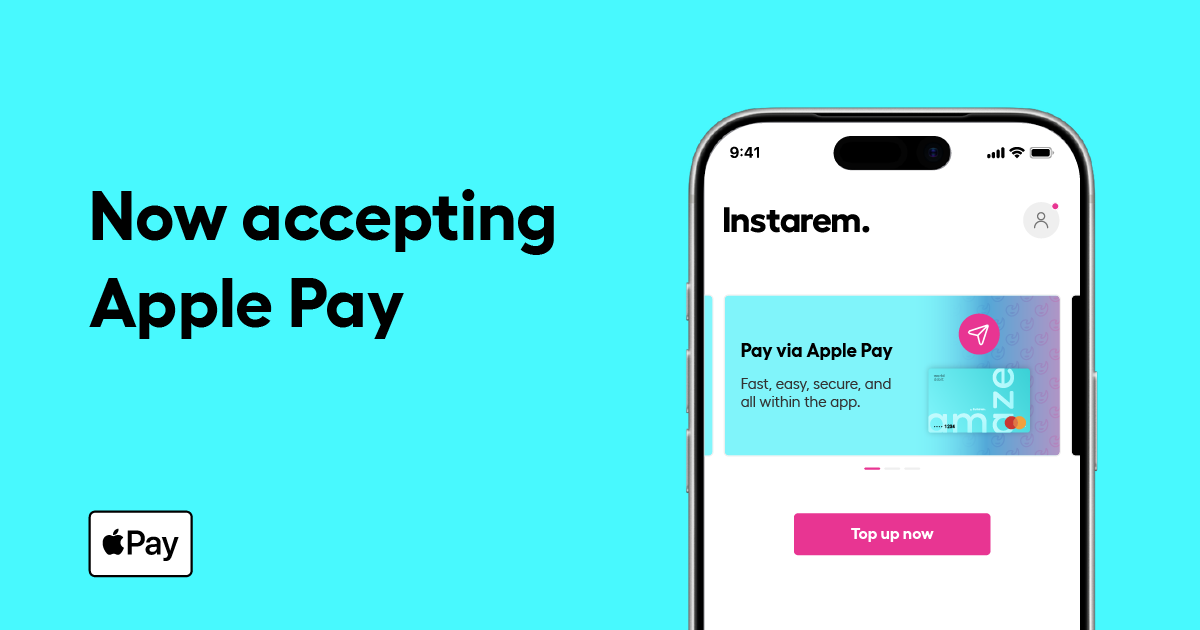
Introducing a faster, easier way to pay with Apple Pay on Instarem 

Insider
22 Jan 2026
3 mins read
Written by

Key takeaway

Ever tried to make a quick transfer or top up your amaze wallet, only to get slowed down by extra steps?

Switching screens, re-entering card details, and double-checking everything can make payments feel more complicated than they should. At Instarem, we’re all about simplifying your experience. That’s why, starting January 2026, we’ve introduced Apple Pay as a new funding option for quick payments with fewer steps.

If you’re in Singapore, you can use Apple Pay to:

  • Top up your amaze wallet, and,
  • Fund your overseas money transfers.

That means no switching apps, no typing in card details, and no extra steps. Just set it up once and pay easily any time you need to.

Apple Pay funding is available on iOS mobile devices with iOS 16.2 and above, Safari web browsers with iOS 10 and above, and on macOS Sierra.

Benefits of paying via Apple Pay

1. Fast and convenient

Once you set up Apple Pay on your Instarem app, payments take seconds. Just select Apple Pay at checkout and pay instantly. No need to manually enter your card details or leave the app – you can complete your transaction within the app.

2. Flexible and secure

Once you set up Apple Pay on your Instarem app, payments take seconds. Just select Apple Pay at checkout and pay instantly. No need to manually enter your card details or leave the app – you can complete your transaction within the app.

3. Transparent pricing

When funding transfers or topping up via Apple Pay, any applicable fees are shown upfront. No hidden costs and no surprises in the exchange rate. As always with Instarem, transparency comes first.

How to pay via Apple Pay

Sending money overseas:

  1. Log into your Instarem app and set up a new transfer.
  2. Enter your transfer amount and recipient details, then select pick Apple Pay as the payment method.
  3. Review and authorise your transfer and complete the payment.

Topping up your amaze wallet:

  1. Log into your Instarem app, go to Wallet and tap Top up.
  2. Select Apple Pay as the top-up method.
  3. Follow the on-screen steps and complete the payment.

Smarter payments, right when you need them

With Apple Pay you can complete every transaction instantly and hassle-free, so you can focus on what matters, not the steps in between.

Sign into your Instarem account to try Apple Pay today.

If you don’t have an account yet, download the app or sign up on our website. Instarem is here to make your payments simpler and more convenient.

And if you don’t have amaze yet – get the ultimate multi-currency travel wallet with 0 FX fees, 0 FX markup, and unlimited rewards. Apply now on the Instarem app, it’s free!

Send money with ease
Scan to get the app.
About Instarem

Instarem stands at the forefront of international money transfer services, facilitating fast and secure transactions for both individuals and businesses. Our platform offers competitive exchange rates for popular currency pairs like USD to INR, SGD to INR, and AUD to INR. If you're looking to send money to India or transfer funds to any of 60+ global destinations, Instarem makes it easy for you. We are dedicated to simplifying cross-border payments, providing cutting-edge technology that support individuals and businesses alike in overcoming traditional fiscal barriers normally associated with banks. As a trusted and regulated brand under the umbrella of the Fintech Unicorn Nium Pte. Ltd., and its international subsidiaries, Instarem is your go-to for reliable global financial exchanges. Learn more about Instarem.

Explore more articles

close icon
Select location
Australia flag
Australia
Austria flag
Austria
Canada flag
Canada
France flag
France
Germany flag
Germany
Hong Kong flag
Hong Kong
India flag
India
Indonesia flag
Indonesia
Ireland flag
Ireland
Japan flag
Japan
Malaysia flag
Malaysia
Netherlands flag
Netherlands
Singapore flag
Singapore
United Kingdom flag
United Kingdom
United States of America flag
United States of America
close icon
Select a language
English (EN)
close icon

Change location and language

You are on our Global website. Select below to change to another location.

Save changes