



Contact us
Thank you for your interest
Our team will get in touch with you shortly to discuss.
Error
Please try again in sometime.
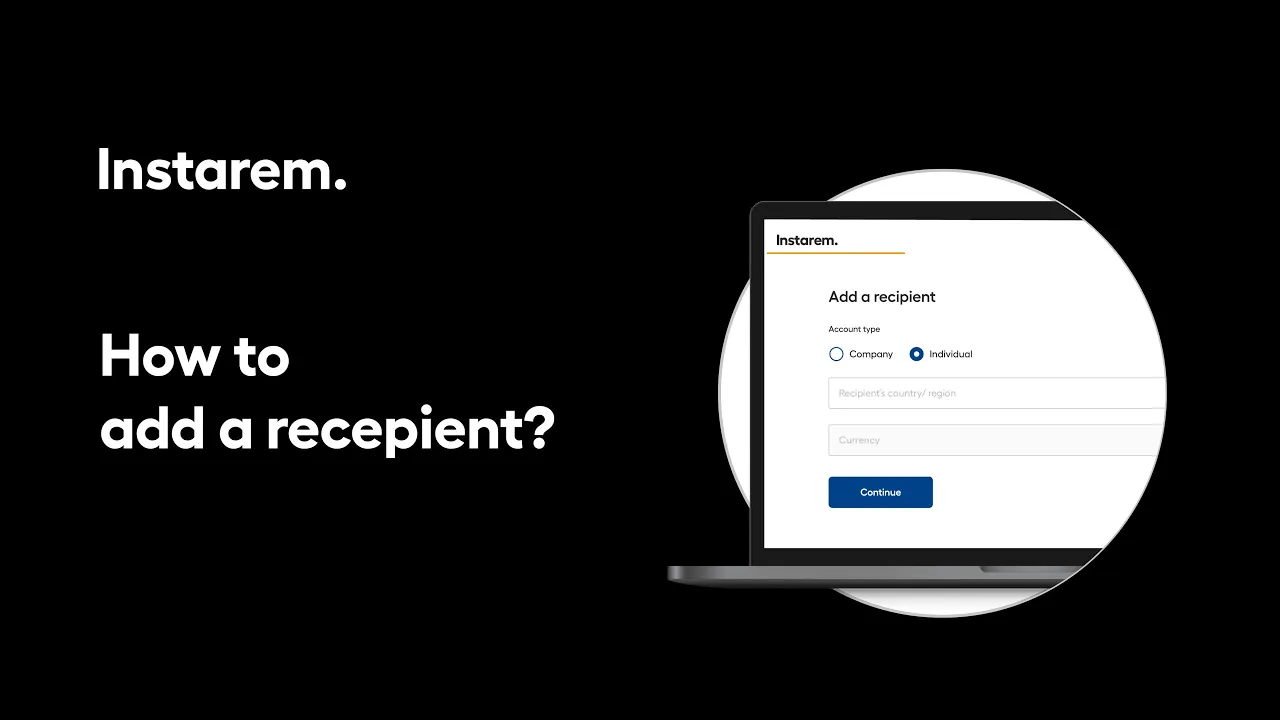
Adding a recipient to your Instarem business account is quick and helps you stay ready for future payments.
From your dashboard, head to Contacts and add a new recipient by choosing whether you’re paying a company or an individual. Select the country and currency, enter the required recipient and bank details. Review the information and save the recipient once everything looks right.
Once added, the recipient is saved to your account and ready for your next international business payment.


You are on our Europe website. Select below to change to another location.
