




Sending money overseas with Instarem: Quick guide
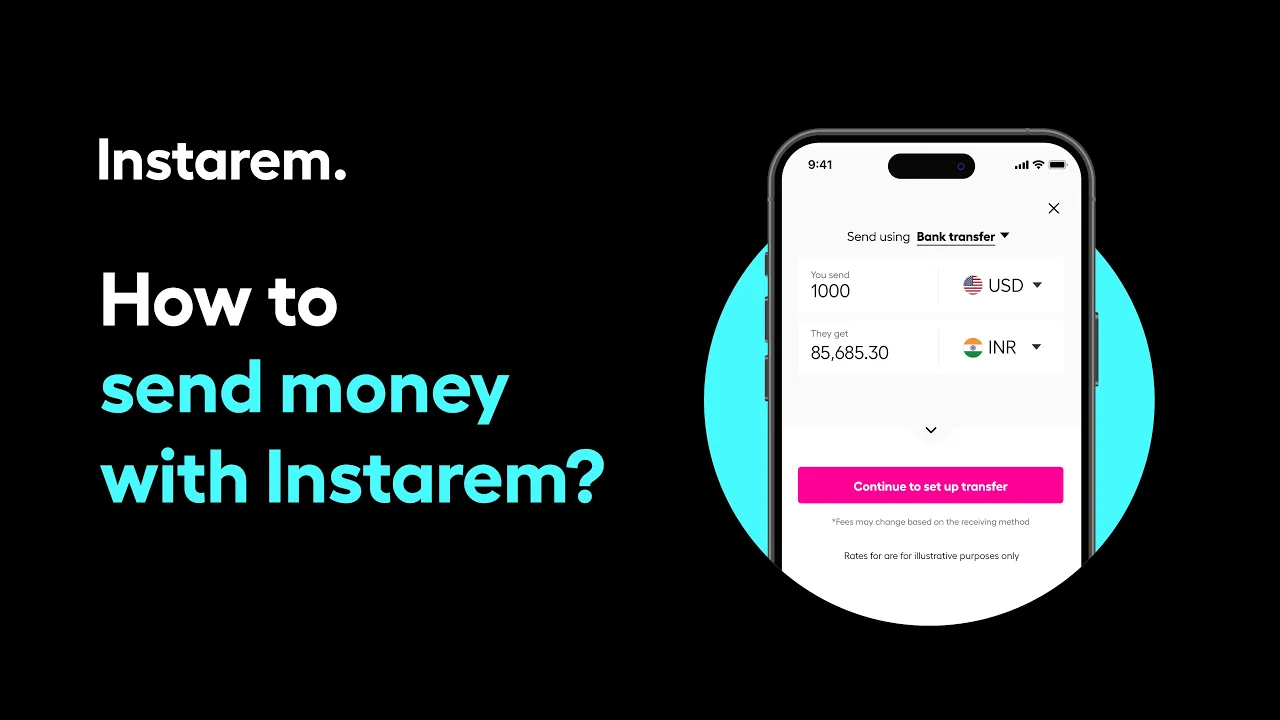
You can send money via the Instarem app in just a few taps.
Start by tapping the Send icon in the app, enter the amount you want to send and choose the destination currency. Then select your preferred payment method (speed, fees and limits may vary). Add a recipient (or use Quick Send if you’ve saved one before) and fill in your recipient’s country, receiving option such as bank deposit, and their address. Add the reason for transfer, review the summary, and confirm the transfer details.
Authorise your transfer, complete the payment and tap I made the payment. You can then track the transfer in real time until it reaches your recipient. Quick and easy.
Related Videos
Didn’t find what you were looking for?
Have a Personal Instarem account?
- Log in to your account on the Instarem app or web.
- Go to your Profile section.
- Tap on Help.
- Search for the relevant topic.
- Raise a ticket or chat with us if you didn’t find what you were looking for.
Have a Business Instarem account?
- Log into your account on the Instarem business portal.
- Tap on Help.
- Search for the relevant topic.
- You can raise a ticket by:
- Clicking Submit a request at the top-right corner of the Help Centre page, or
- Clicking Raise a ticket after selecting a topic or FAQ.
- We’ll get back to you once your request is submitted.


